Knowledge Base
How to Access Your HostGator New cPanel Email
HostGator's cPanel Email provides a centralized location for managing your domain's email. Once accessed, you can create and manage email accounts, update passwords, adjust mailbox storage quotas, and configure email-related settings.
Access your cPanel Email
- Log in to your Customer Portal.
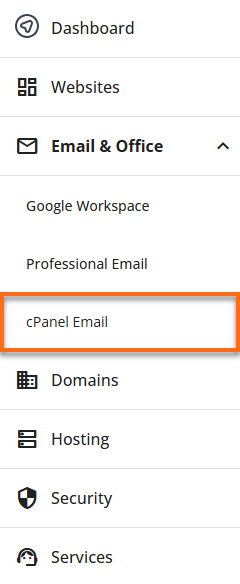
- From the left-hand navigation menu, click Email & Office.
- Select cPanel Email from the available options.
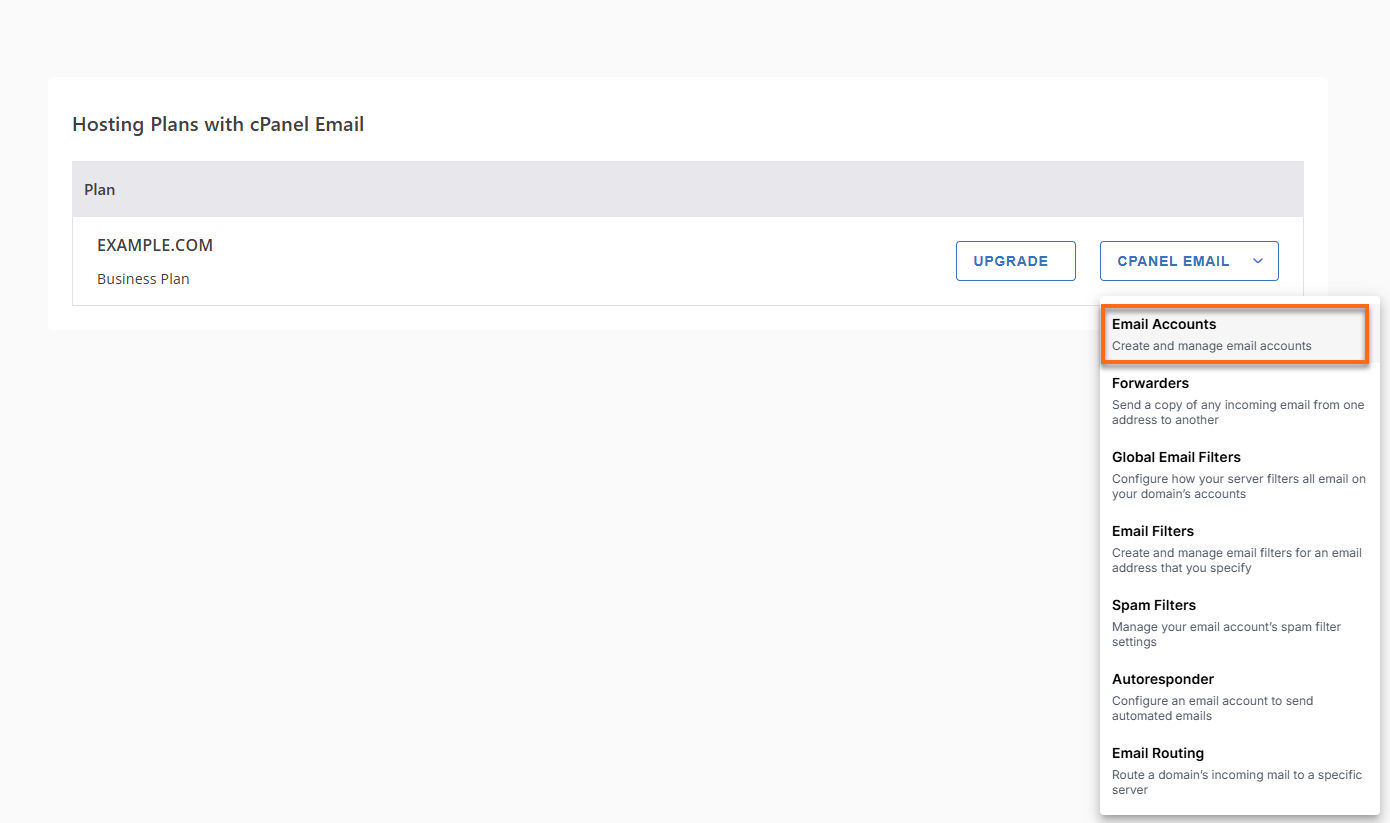
- Click the cPanel Email dropdown menu and select Email Accounts.
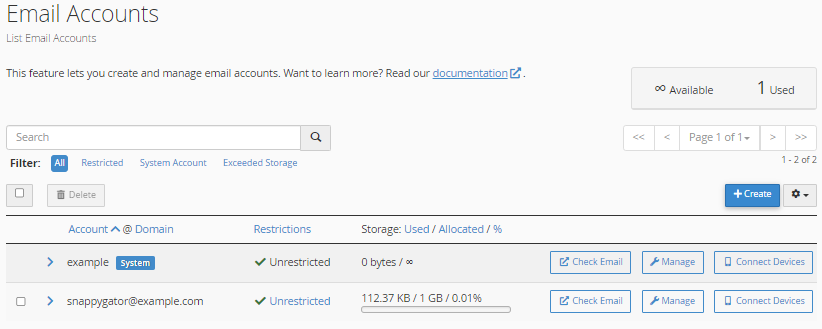
This will take you to the Email Accounts page, where you can manage your email accounts.
What can you do in cPanel Email?
The cPanel Email allows you to:
Did you find this article helpful?