Customer Portal - How to Log In
When you first signed up for your HostGator hosting account, you received a Welcome Email containing your Customer Portal login details and cPanel login information. For security, the login credentials for your billing area and hosting control panel are different. Although your cPanel and billing dashboard can still be accessed individually, HostGator has now introduced Single Sign‑On (SSO) to make account access easier.
How to Log in to the Customer Portal
With HostGator Single Sign‑On, you can review invoices, manage your hosting settings, and access both your cPanel and Billing Portal using just one login.
Access SSO here: https://www.hostgator.com/my-account/login
More details about HostGator's Single Sign‑On can be found here: Single Sign-On.
Can't Log in to the Customer Portal
How to retrieve your User ID
Follow the steps below to retrieve your User ID.
- Visit https://www.hostgator.com/my-account/login.
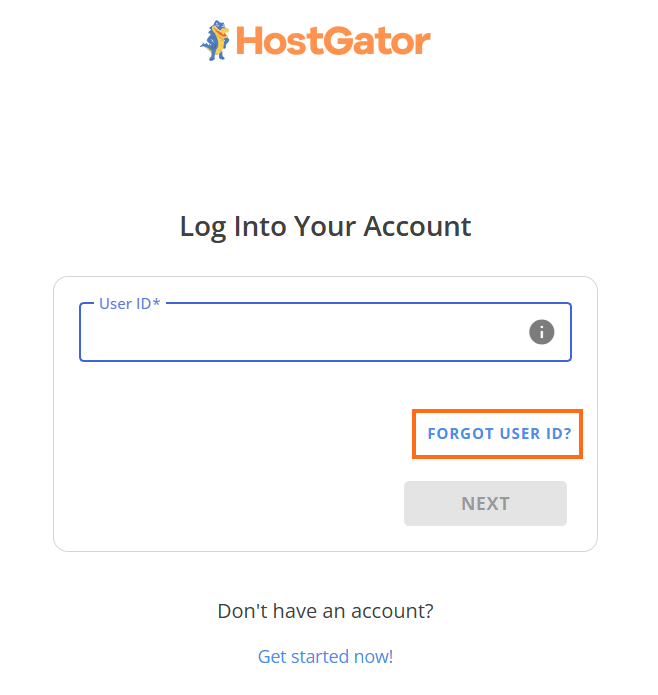
- Click the Forgot User ID? link.
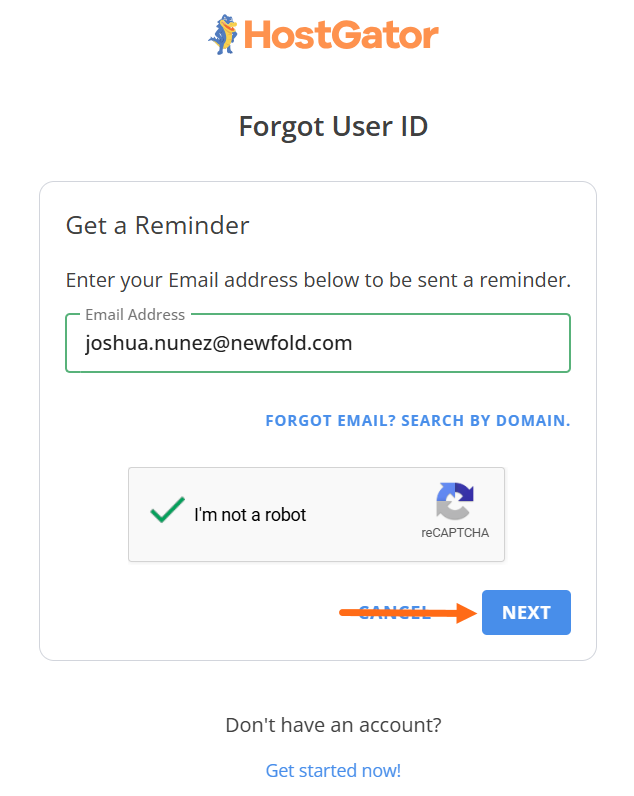
- Enter your Primary Email Address for your billing account, do the CAPTCHA, and click Next.
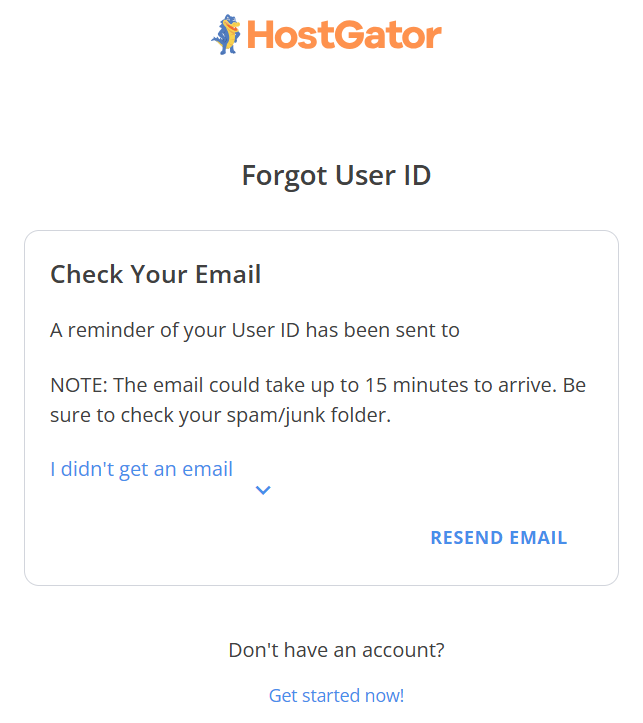
- A 'Check your email' message will display, and then you will receive an email from [email protected] containing your account's User ID.
How to reset your Password
Follow the steps below to reset your password.
- Visit https://www.hostgator.com/my-account/login.
- Enter your primary email address for your billing account. Then click Next.
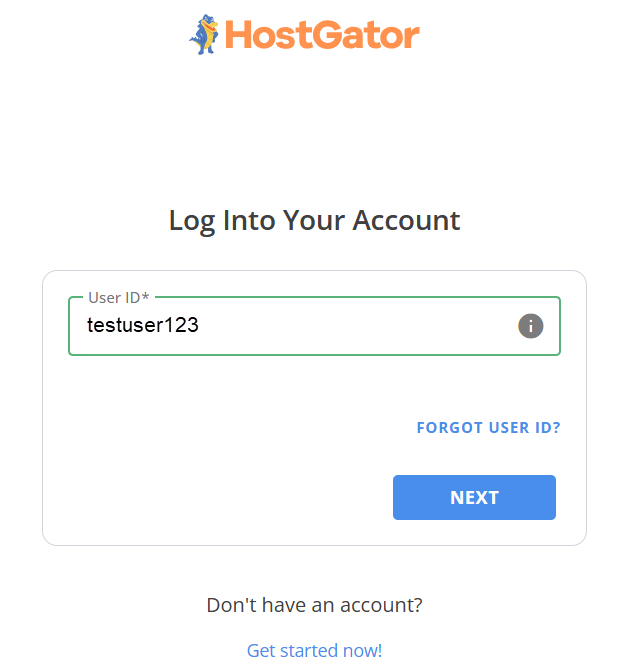
- Click the Forgot Password? link.
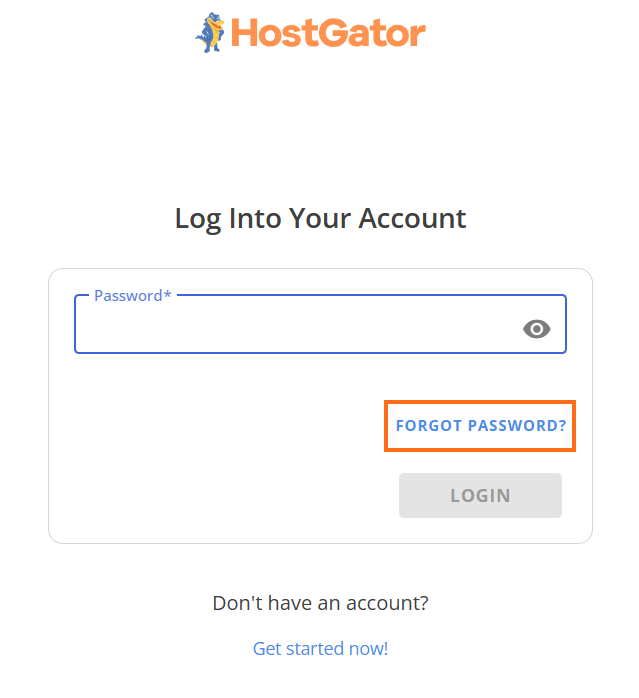
- Enter your User ID, do the CAPTCHA, then click Next.
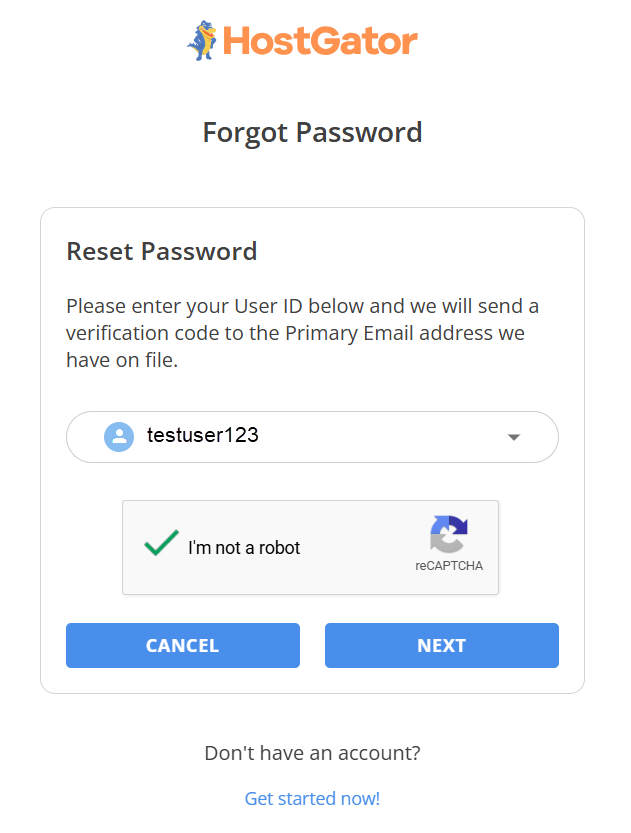
- A 'Check your email' message will display, and then you will receive an email from [email protected] with the Verification Code.
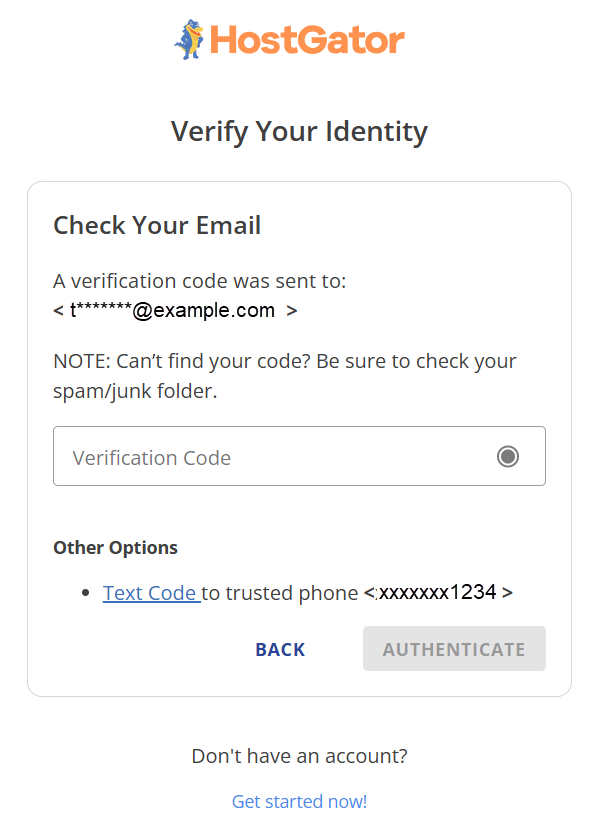
- Enter the Verification Code from your email, then click Authenticate.
- Enter your New Password, then click Change Password.
Create a strong password using a mix of upper and lower case letters, numbers, and symbols, with a length between 12 to 16 characters.
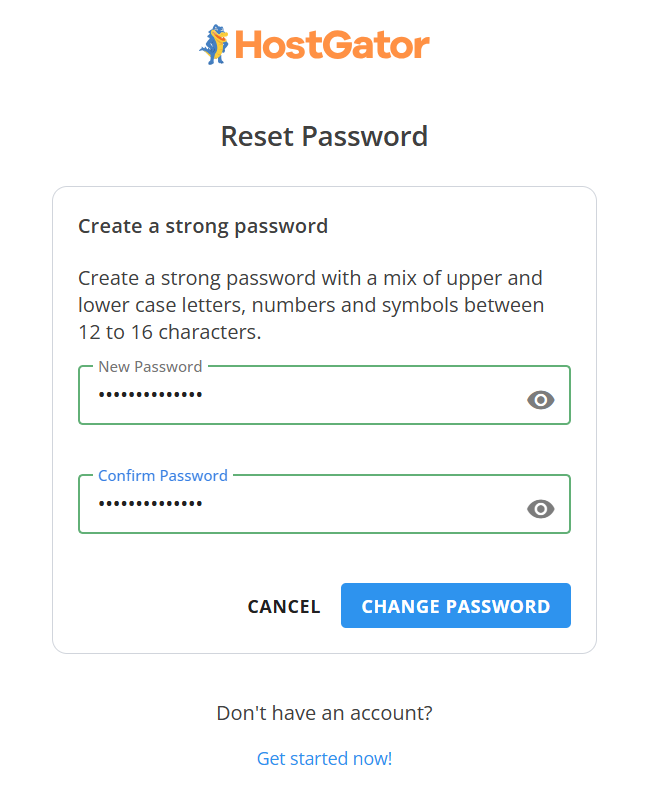
- Once finished, you will be redirected to the login screen to sign in using your updated password.