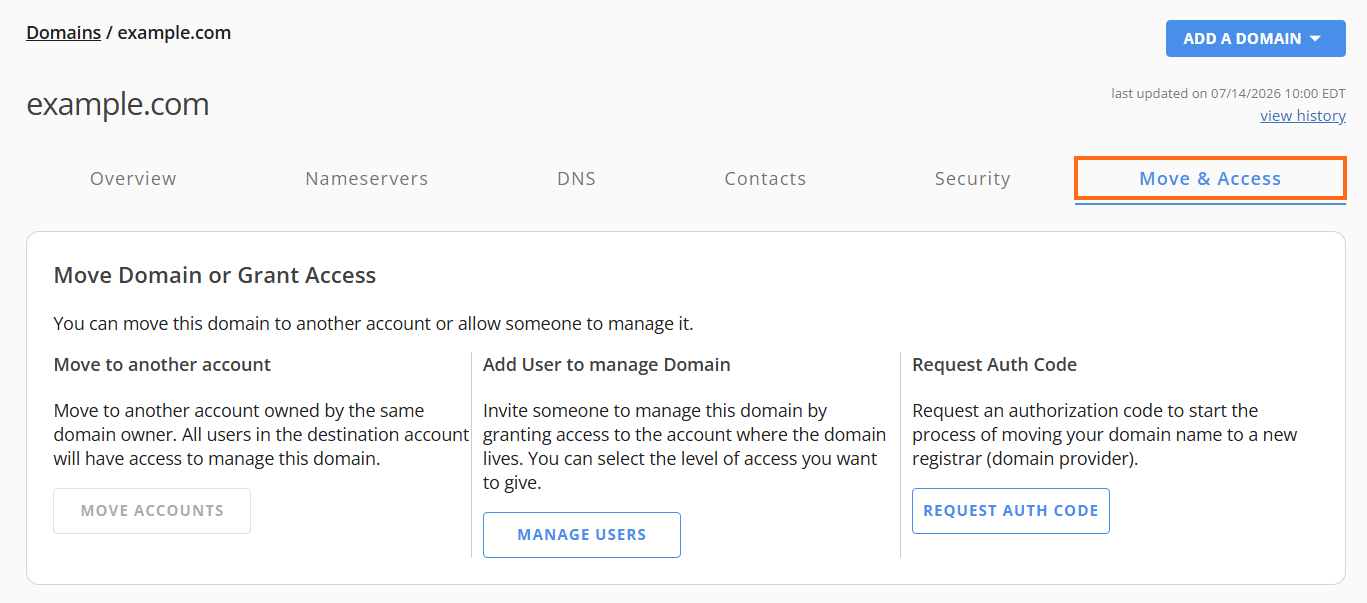
Understanding the Move & Access Tab in HostGator Domains Tab
Every domain is associated with an owner who has the legal authority to manage permissions and grant access rights for the domain within the account. These management roles can be reorganized or delegated through specific options provided in the Move & Access tab. This functionality allows the domain owner to move the domain to another account, add specific users with defined access levels, or enable all users in the destination account to manage it for streamlined collaboration.
What is the Move & Access Tab
The Move & Access Tab is a feature that allows domain owners to:
- Move to another account - move to another account owned by the same domain owner. All users in the destination account will have access to manage this domain. To learn more, refer to the article How to Move Domains between HostGator Accounts.
- Add User to manage Domain - Invite someone to manage this domain by granting access to the account where the domain lives. You can select the level of access you want to give. To learn more, refer to the article Customer Portal - User and Roles Permissions.
- Request Auth Code - Request an authorization code to start the process of moving your domain name to a new registrar (domain provider). To learn more, refer to the article What is my EPP Code or Authorization Key?
This tab ensures that domain management remains flexible, secure, and aligned with the needs of the domain owner and their team.
How to Access the Move and Access Tab
Follow the steps below to access the Move & Access tab.
- Log in to your Customer Portal.
- Click Domains on the left-side menu.
- If you have a single domain in your account, you will be redirected to the domains panel right away.
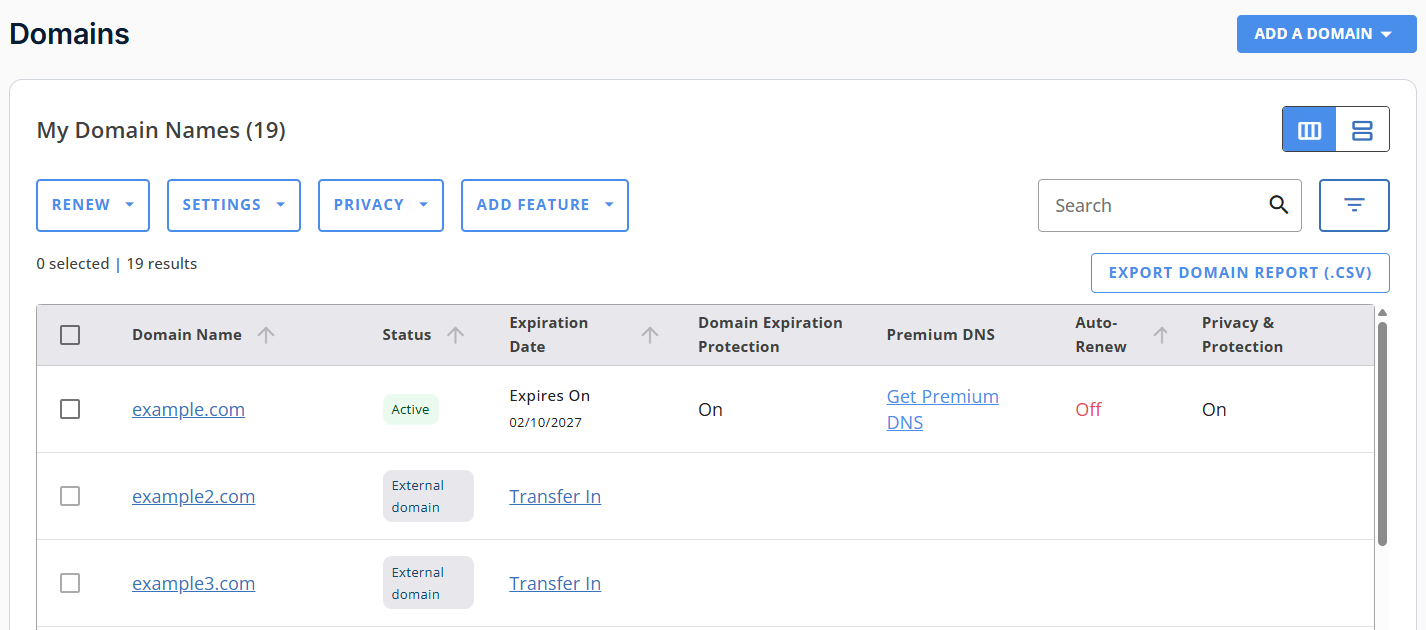
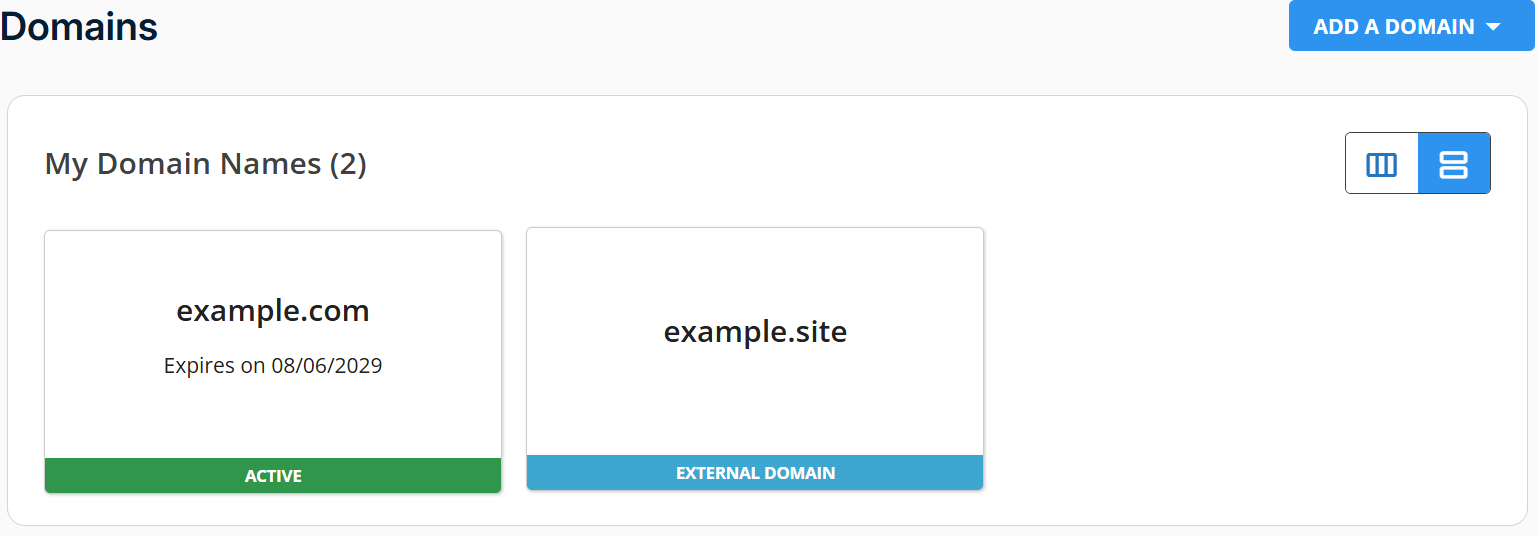
- If you have multiple domains, a list will appear. Click the domain you want to manage.
List view:
Card view:
- Then, click the Move & Access tab.