Knowledge Base
HostGator Malware Protection: Dashboard Overview
Website security is an essential consideration for every HostGator customers. Cyberattacks and malware can disrupt your website and negatively impact your online reputation. HostGator offers a Malware Protection plan to help you effectively address website vulnerabilities and malware.
This article discusses the following:
Why Use HostGator Malware Protection?
- Quickly spot issues: Get a clear overview of your site's security status and details about any detected threats.
- Take action fast: Use step-by-step tools to fix infections or restore your site.
- Stay informed: Access clear details about threats and receive guidance on what to do next.
- Minimize downtime: Resolve issues efficiently and keep your website running smoothly.
Familiarizing yourself with the Malware Protection dashboard is vital for safeguarding your website’s reputation, data, and overall availability.
How to Access the HostGator Malware Protection Dashboard
There are 2 ways to access the HostGator Malware Security dashboard.
Security Tab
- Log in to your Customer Portal.
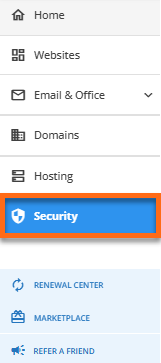
- Click on the Security tab on the left-hand menu.
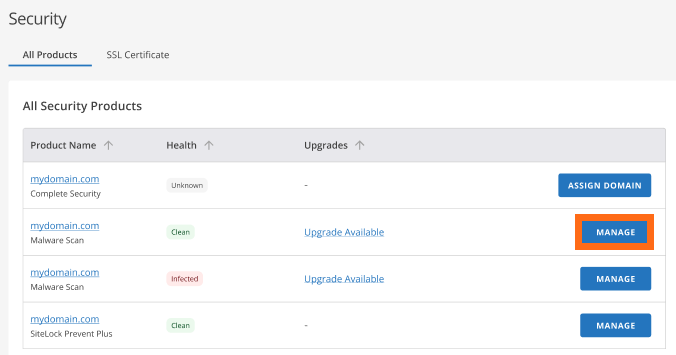
- Click the Malware Protection tab. Then, click Manage on the .
Websites Tab
- Log in to your Customer Portal.
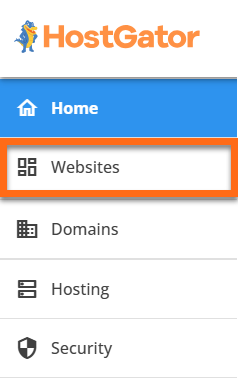
- Click on the Websites tab on the left-hand menu.
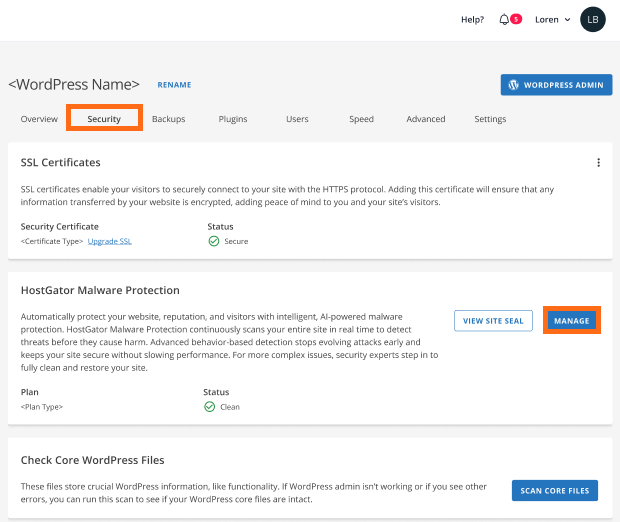
- Navigate to the Security tab in the horizontal menu. Click the Manage button in the HostGator Malware Protection section.
Inside the Malware Protection Dashboard
Malware Scan and Clean Plan
Note:
Your dashboard may vary depending on your Malware Protection plan and scan results.
Your dashboard may vary depending on your Malware Protection plan and scan results.
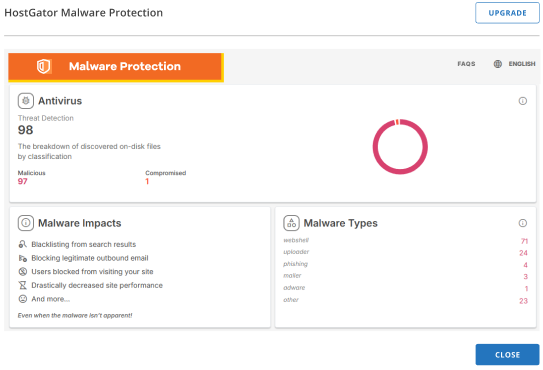
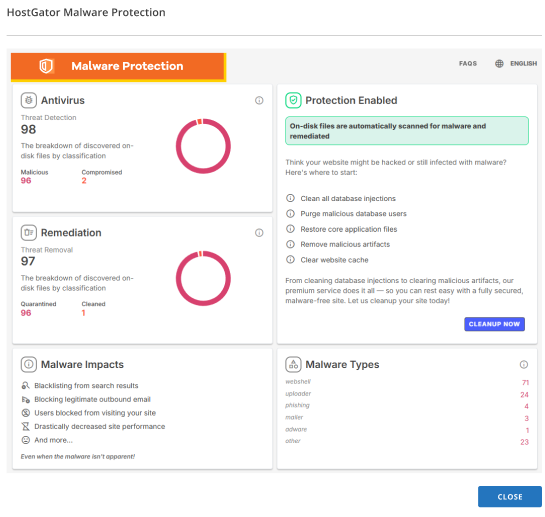
Antivirus Section:
- Threat Detection: See current and past scan results.
- Malicious: View files identified as harmful.
- Compromised: Locate infected files or database areas.
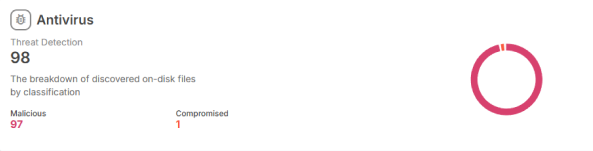
Malware Impacts Section:
- Search engine blacklisting
- Blocked outbound emails
- Visitors are being denied site access
- Slow site performance
- And more
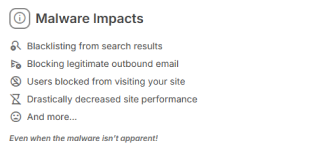
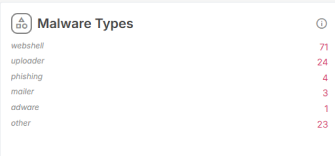
Malware Types Section:
- Webshell: Malicious script allowing remote server control.
- Uploader: Scripts used to upload more malware.
- Phishing: Fake forms to steal information.
- Mailer: Scripts sending spam or scam emails.
- Adware: Injects unwanted advertisements.
- Other: Miscellaneous or unique malware types.
HostGator Complete Security Plan
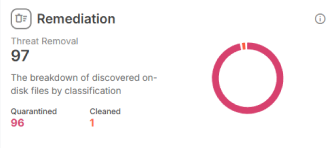
Remediation Section:
- Threat Removal: Track progress of malware removal.
- Quarantined: Isolate suspicious files.
- Cleaned: View files restored to safety.
Protection Enabled Section:
Confirms your website files are automatically scanned and remediated for malware.
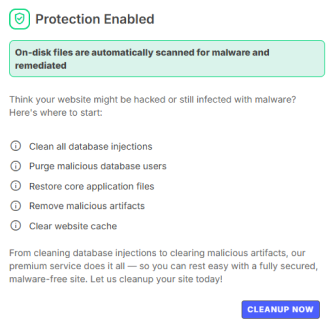
Actionable Items: Getting Your Site Clean
- Clean database injections
- Purge malicious users
- Restore core files
- Remove artifacts
- Clear cache
Click the Clean Up Now button to trigger a guided, automated cleanup process.
Did you find this article helpful?