Changing Name Servers with LaunchPad
Name servers are essentially the address books for websites, which you can use to point (or connect) a domain to the desired server. If you registered a domain with a new hosting package, the domain should already be pointed to the proper HostGator server. Still, sometimes you may have incorrect name servers or need to change which name servers your domain is connected to.
HostGator has a single domain control panel that allows your domain names. The following instructions will show you how to change your domain's name servers using the Customer Portal.
Note: Most Enom and Launchpad domains can be managed within the HostGator Account Manager. If the domain you purchased or transferred to HostGator is not found in the Customer Portal, please contact us so we can assist you.
To change your name servers:
- Log in to your Customer Portal.
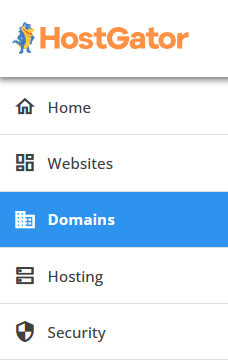
- Click Domain in the navigation menu on the left.
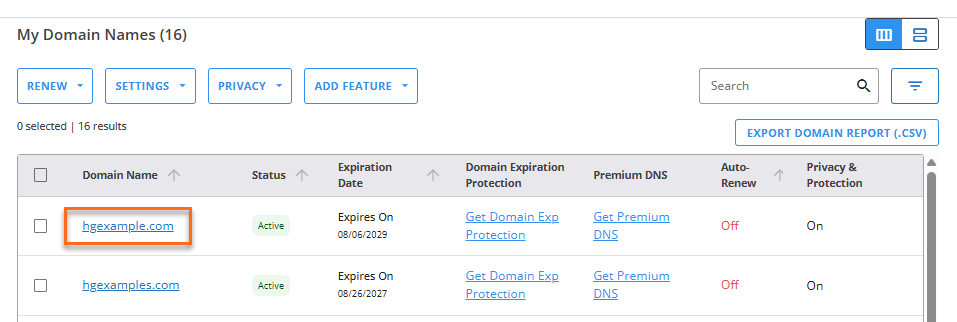
- Locate and click the domain you wish to update.
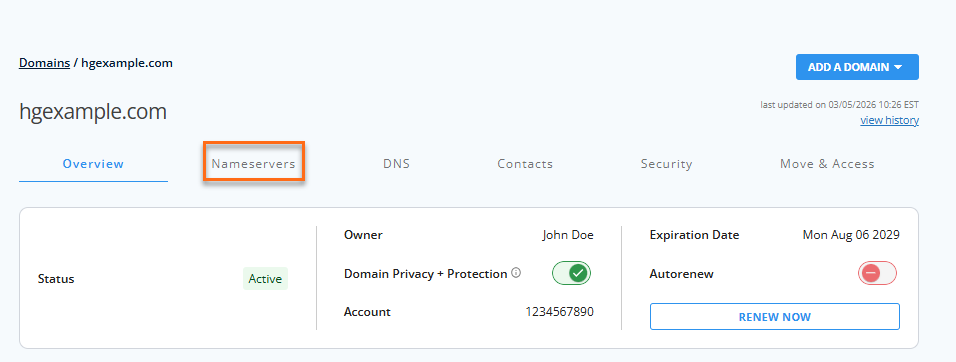
- Navigate to the Nameservers tab from the horizontal menu.
- Click the Change Nameservers button.
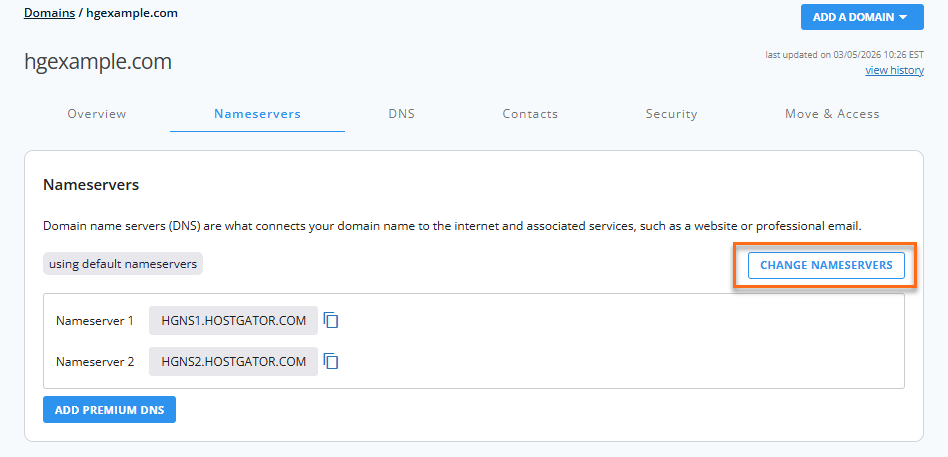
- Enter your new Nameservers then, click Save.
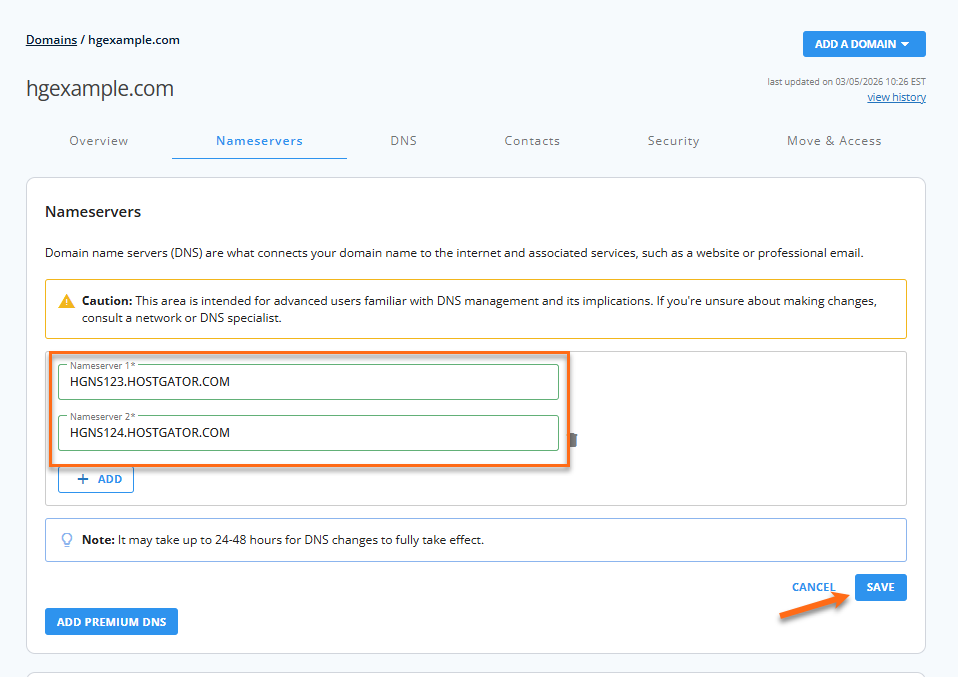
Important: After saving, the DNS update may take some time to propagate across the internet.